s5 slickfive · PocketStats
1
23
485

PocketStats

Track every frame

A native iOS scorekeeper for pool nights that matter — team rounds, races, brackets and round robins, scored frame by frame with live activities, deep statistics and AI match summaries. Built, shipped and running in production by slickfive.

iOS 17 · SwiftUICore Data + CloudKit 5 game modesSwift Charts Dynamic Island
scroll · rack 'em up
The pitch

League night deserves
better than a chalkboard

Somebody always claims they won the last frame. PocketStats ends the argument: every frame is scored the moment it ends, timestamped, attributed and charted — while the score sits live on your lock screen and the stats write themselves.

  • 1
    Score in one tap. Tap the winner, the app does the rest — frames, streaks, match points, undo included.
  • 2
    Stats that accumulate. Win rates, head-to-heads, monthly form — every game feeds a player's career record.
  • 3
    Yours everywhere. Core Data synced through CloudKit; themes from felt green to classic wood.
How a match flows

Rack · Score · Shake hands

1
Selecting players for each frame

Set the lineup

Pick who plays each frame — or let the app carry your usual pairings through the round.

2
Landscape live scoreboard, 6-10, with dish buttons

The live scoreboard

Turn the phone sideways and it becomes the table's scoreboard — giant digits, one tap per frame, a Dish button for the clean-ups.

3
Match complete summary with frame results

Match complete

A full result card — every frame, every pairing, quality badge, share image, quick rematch.

Live capture
Quick race · iPhone 17 Pro

Watch a quick race

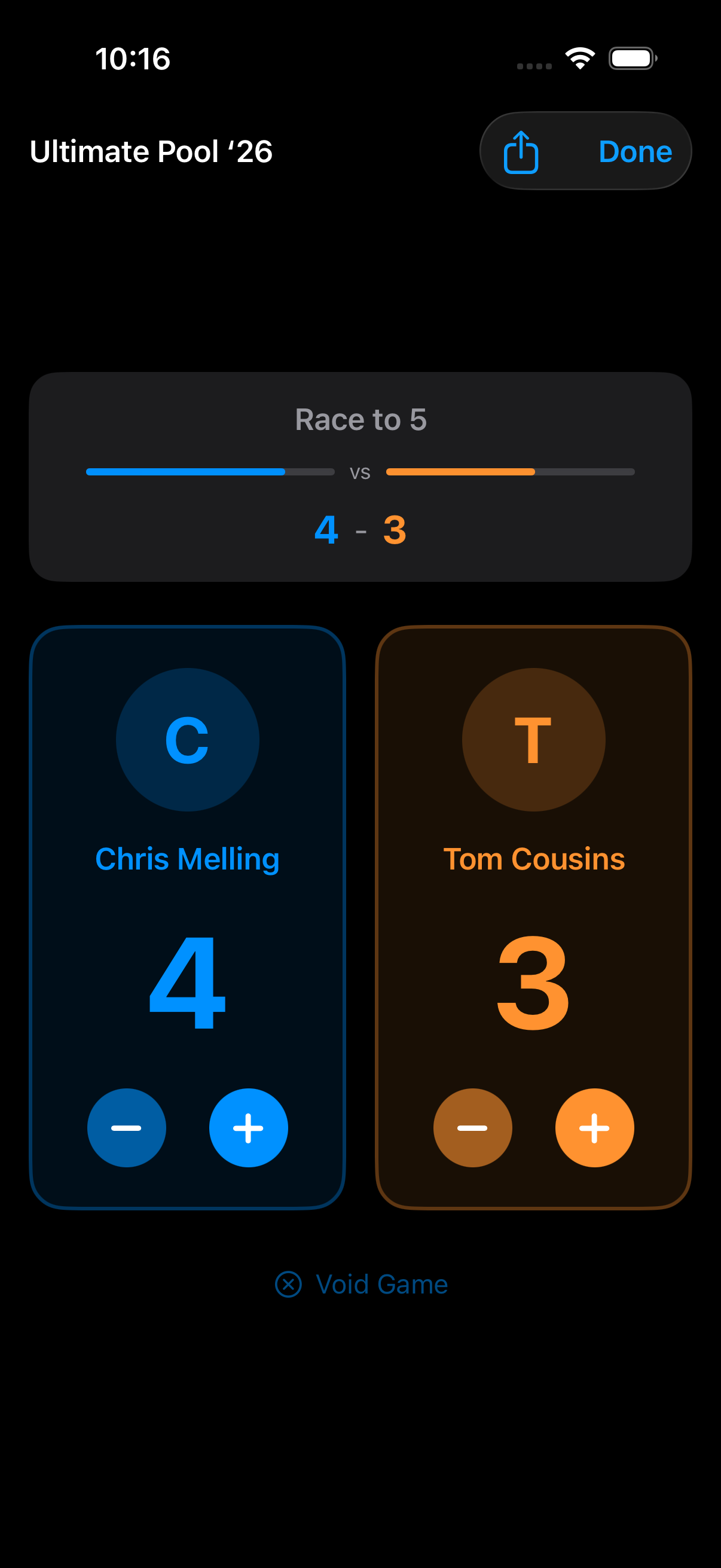
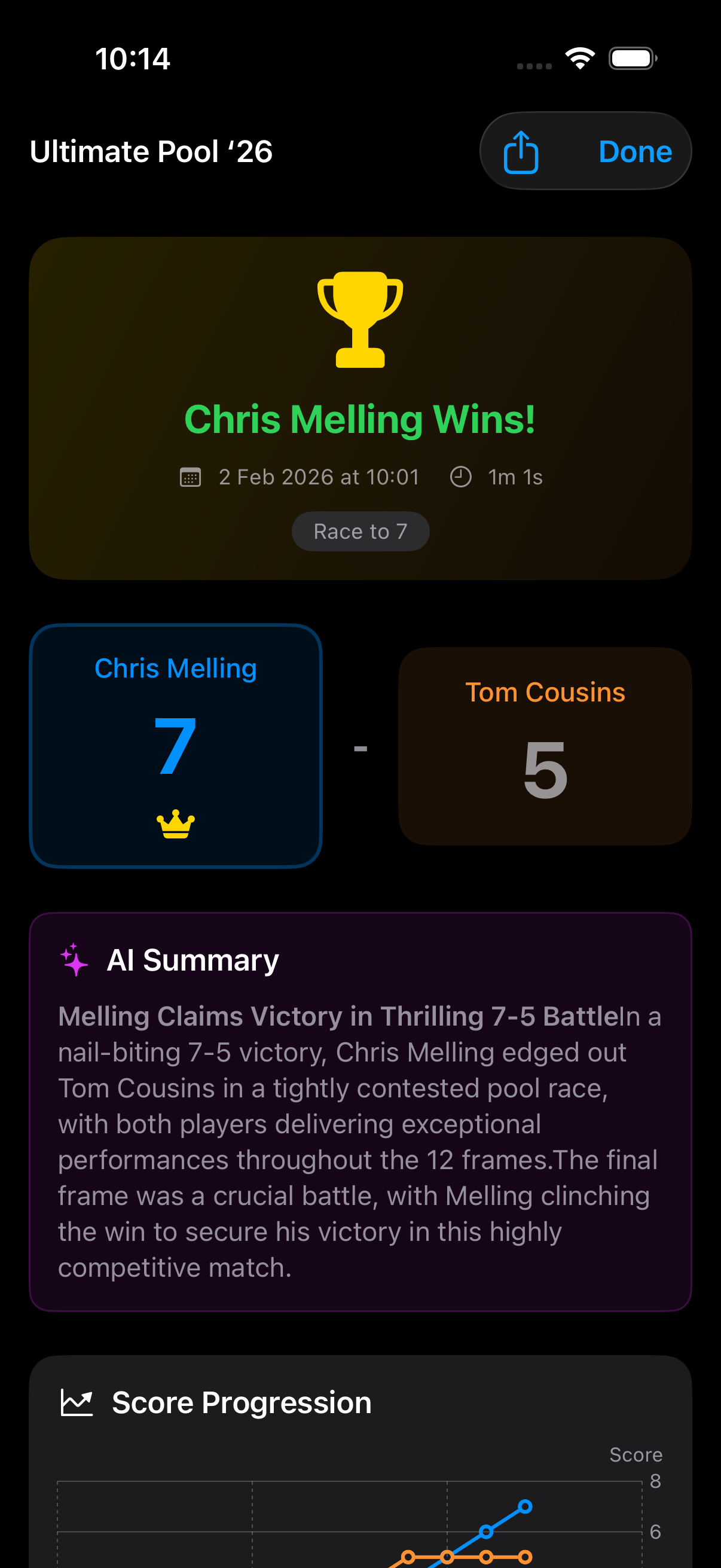
Recorded live from the simulator, driven end-to-end by an automated UI test: launch, into the Races hall, one tap on Quick Race and the scoreboard is up — points tapped in, race completed, straight into the winner's summary and score-progression chart.

  • Q
    Zero setup. Quick Race needs no players, no teams — hand the phone to the table and play.
  • ±
    Forgiving by design. Plus and minus on both panels, rename players mid-game, reopen a race after completing it.
Choose your game

Five ways to run the table

From a casual head-to-head to a full tournament bracket — every format your pool hall plays.

1

Team Rounds

Two teams, frame-by-frame scoring with per-frame lineups, best-of formats, skips and undo.

The league night
2

Races

1v1, first to a target — or open-ended. Tap to score, with streaks and frame times tracked.

Race to 3–15
3

Brackets

Single-elimination tournaments, randomly seeded, race-to-X per round, champion crowned.

4–16 players
4

Round Robins

Everyone plays everyone; standings compute themselves as results come in.

Fair fixtures
5

Quick Race

No names, no setup — a scoreboard in two taps for casual tables. Rename players on the fly.

Zero friction
Mode spotlight

Races: first to the post,
every frame on record

Player cards fill toward the target as frames land. When the race is won, the app writes the story for you — an AI match summary that reads like a commentator's notebook, on top of the raw numbers.

  • 1
    Race to 3 through 15 — or open-ended; best-of formats supported.
  • 2
    Every frame timestamped — average frame time, longest streak, momentum swings.
  • 3
    Not over till it's over — reopen a completed race and keep playing.
Mode spotlight

Tournament night,
run from one phone

Pick the field, set the race length, and the bracket seeds itself with a secure shuffle. Matches run through the same live scoreboard; the bracket advances winners automatically, into a final and an AI tournament recap.

  • 1
    Single elimination — semi-finals to final, each round race-to-X.
  • 2
    Round robins too — everyone plays everyone, with live standings.
  • 3
    The recap — "Slickfive triumphs in thrilling 4-player bracket" — written the moment the final ball drops.
The hall's ledger

Fixtures & the house roster

Round robins list every fixture as an open game — play them in any order, and standings settle themselves. Behind it all sits a proper roster: players and teams with searchable lists, home-team stars, and careers that span every mode.

  • 1
    Open games queue — any table can pick up any remaining fixture.
  • 2
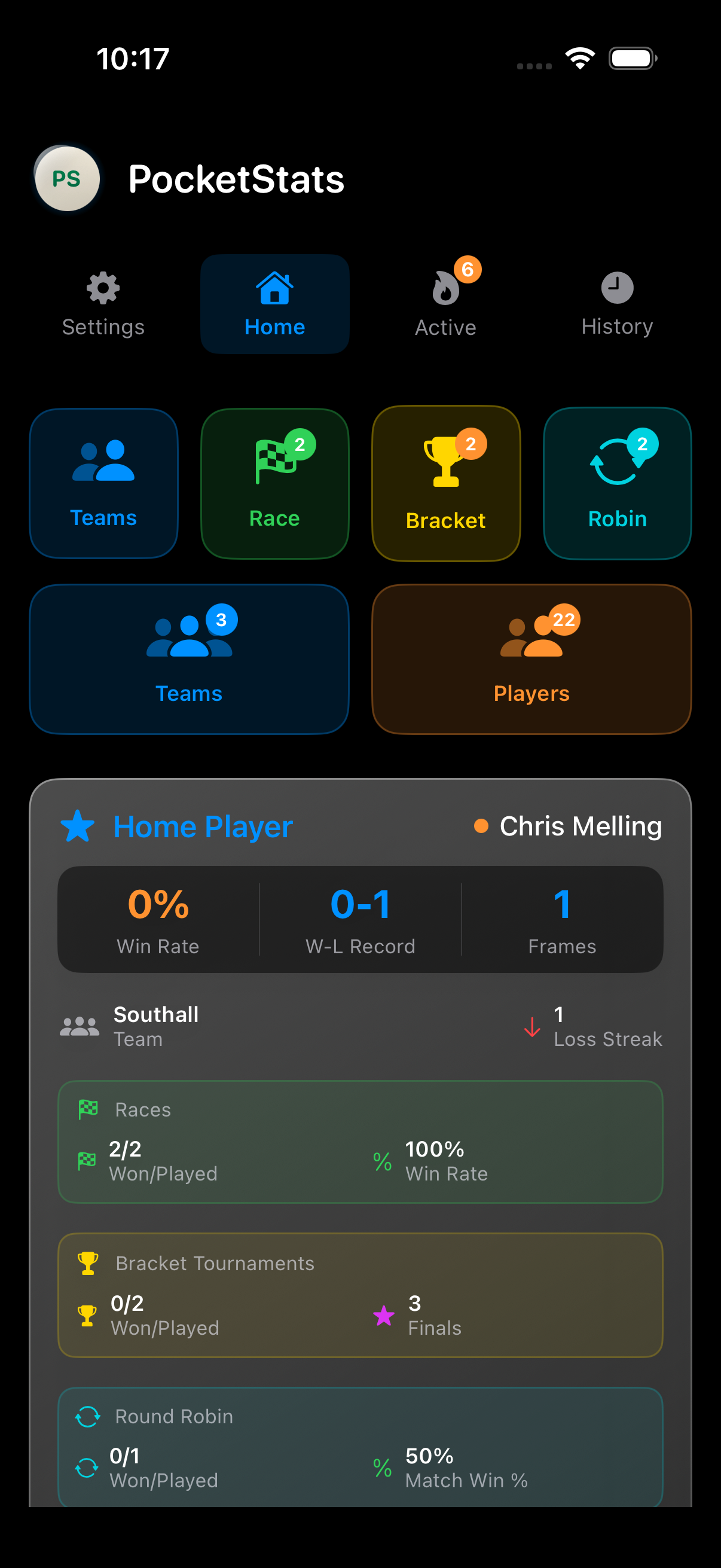
    Home team & home player — pin your own for a dashboard the moment the app opens.
  • 3
    Archives — finished rounds, races and tournaments filed away, never lost.
The engine room

Statistics with
real table manners

Every frame you score becomes a data point. Swift Charts turns a match into a score-progression curve, a stats grid, and a frame-by-frame timeline with running scores — momentum you can point at.

  • Match analytics — average frame time, longest streak, biggest lead, deciding frames.
  • Momentum chart — watch the race unfold hop by hop after the handshake.
  • The timeline — who beat whom in frame 7, at 9:42pm, with the score at 4–3.
Career records

Every player gets
a career

Profiles accumulate across every mode: win-rate donuts, monthly form charts, head-to-head records against regular rivals, recent-form dots for the last ten results. Bragging rights, with citations.

  • W
    Win rates that mean something — frames and matches, split by mode, trending against career average.
  • H
    Head-to-head — the record against the one opponent who matters.
  • F
    Recent form — the last ten results at a glance, green and red.
Beyond the table

The score follows you —
the felt is your choice

  • Live Activities — the score sits in the Dynamic Island and on the lock screen for the whole match; no unlocking mid-frame.
  • Home screen widget — your home team's form, one glance from the springboard.
  • Notes & photos — attach the table-side story to any round; share results as a generated image.
  • CloudKit sync — every frame on every device, no accounts to invent.

Four themes, tuned to where you play:

System
Pool Green
Dark Mode
Classic Wood
Under the felt

SwiftUI · Core Data + CloudKit · MVVM

Nine Core Data entities under an @Observable MVVM layer, Swift Charts for the visuals, ActivityKit and WidgetKit at the edges — one codebase from quick race to championship bracket.

5
game modes
9
Core Data entities
4
themes
frames remembered
8

Track every frame.

Download on the App Store